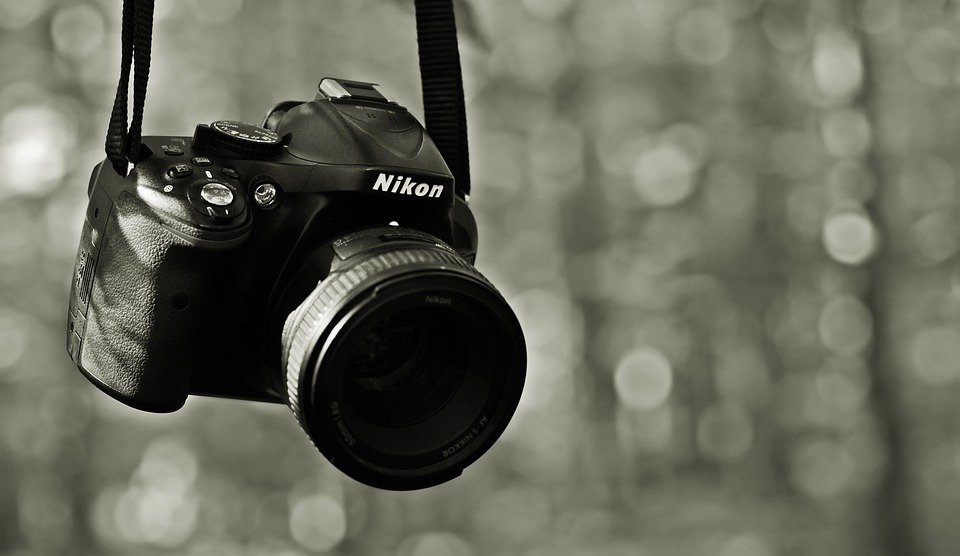
As technology advances, DSLR cameras are becoming more popular among videographers. Not only do they provide excellent image quality but also they offer versatile creative controls for shooting videos. If you’re used to capturing photographs with your camera, you may find that when it comes to filming, you need to work a little harder. Here are ten tips to help you shoot video with your DSLR.
1. Hold the camera properly
Hold the camera steady and close to your stomach to avoid shaking it. This will help you achieve smooth footage. You can also add weight to the camera by using stabilizers or tripods to minimize any camera movements that could lead to shaky footages.
2. Use manual control settings
DSLRs allow you to control numerous settings manually such as aperture, shutter speed, and ISO. In manual control settings, you’ll have more control over the look of your video.
3. Work on lighting
Lighting can make or break your video. A well-lit scene is more engaging to the eye, while a poorly lit one can make the final video look unprofessional. Use external lighting if you can, but if you have no option but to rely on natural light, it’s best to shoot when it’s soft, for example, during the golden hour.
4. Mind your focus
Properly focus your subject to yield clearer and more captivating footage. You can choose between shooting with autofocus or manual. But be sure to choose the right focus method for the right scenario.
5. Audio considerations
Quality audio can make or break a video, so don’t forget to pay attention to the sound. Use external microphones to reach the best quality of sound.
6. Avoid panning and zooming excessively
Panning and zooming can help you capture footage, but overusing them can make your video amateurish. Use them with judiciousness.
7. Create a story
A story plays a crucial role in making a video engaging. Determine the story you want to create before you start shooting your video — you’ll end up with visually compelling footage that tell the story.
8. Think about the background and environment
The background and environment can help to tell your story more effectively. Choose the right background to avoid any distractions that may detract the viewer from the subject of the video.
9. Shoot More than One Take
It’s always wise to shoot more than one take of a scene. You may use unique shots later when you’re editing without the pressure of shooting.
10. Edit your video footage
Edit your video footage post-production to improve the final product. Use professional video editing software to create and edit your clips effectively, add music, and fine-tune your video settings.
In conclusion, shooting a video with your DSLR can be an excellent way to capture professional-looking footage. Remember to keep your subject in focus, properly light your shots, and create compelling stories, edit your footage, and you’ll create stunning videos that people will love to watch.