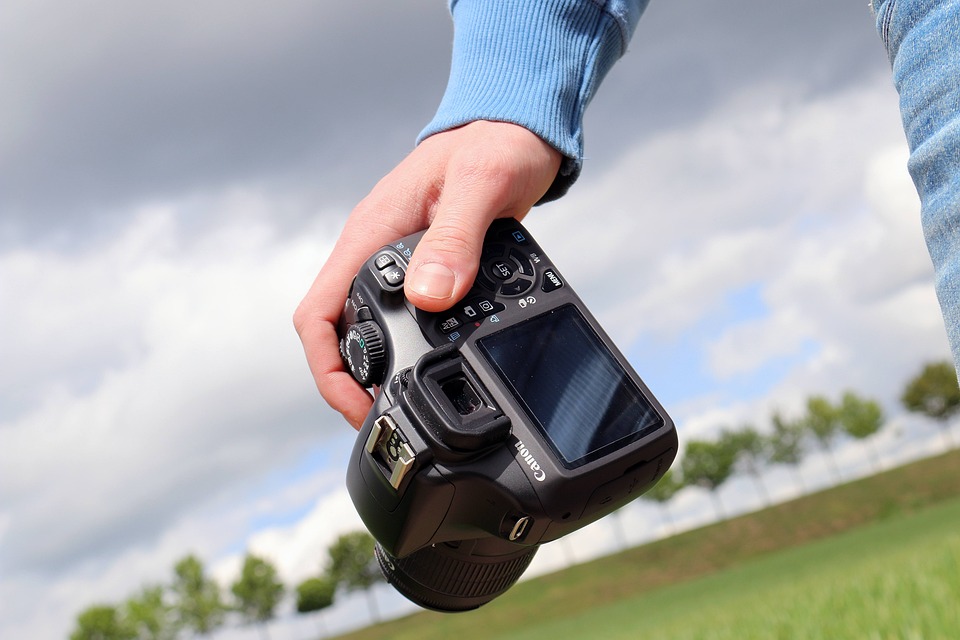
Smartphones have revolutionized the way we capture and share videos. Gone are the days when you needed a bulky camera and a team of professionals to shoot high-quality videos. Nowadays, with just a smartphone, you can create stunning videos that look professional and compelling. In this article, we will share some tips and tricks to help you shoot professional-quality videos with your smartphone.
1. Use the right equipment
While smartphones come with great cameras, they might not be enough to capture professional-quality videos. To enhance your video quality, consider investing in some accessories such as a tripod, an external microphone, and a lens kit. A tripod helps to stabilize your phone and eliminate shaky footage while an external microphone boosts your audio quality. A lens kit, on the other hand, expands your phone’s capabilities and lets you experiment with different perspectives.
2. Choose the right location
Location is an essential aspect of video production. The right location can add depth and meaning to your video and make it more compelling. When choosing a location, look for an area that is well-lit, has good acoustics, and is free from distractions. If you’re shooting outdoors, choose a time of day when the lighting is optimal. Avoid shooting in areas with too much noise, as it can ruin your audio quality. You can use a smartphone app to check the noise level in your location before you start shooting.
3. Plan your shots
Professional-quality videos require a well-planned approach. Before you start shooting, plan your shots in advance. Decide on the shots you want to capture, the angles you want to use, and the order in which you want to shoot them. This approach ensures that you capture all the essential elements of your subject, and you can use them to tell a story.
4. Use a stable camera
One of the common issues we face when shooting videos with smartphones is shaky footage. Shaky footage can ruin the quality of your video and make it look unprofessional. To avoid shaky footage, hold your phone with both hands and keep your elbows close to your body. Alternatively, use a tripod or stabilizer to eliminate the chance of shaky footage.
5. Focus on good lighting
Lighting is a crucial aspect of video production. Good lighting can enhance the look and feel of your video and make it more compelling. Before you start shooting, make sure the subject is well-lit. If you’re shooting outdoors, choose a location with good natural light. If you’re shooting indoors, use artificial lighting, such as lamps or studio lights, to create a more professional look.
6. Shoot in landscape mode
Smartphones are designed for portrait mode, but when it comes to videography, landscape mode is the best option. Landscape mode gives you a wider aspect ratio, which is ideal for video. Shooting in portrait mode limits your view, and your final video may appear with black bars on the sides.
7. Edit your video
Finally, once you’ve captured all your shots, you need to edit your video. Editing is essential to make your video more professional and polished. You can use various editing apps available on your smartphone, such as iMovie or Adobe Premiere Rush, or online editing tools such as Canva, to edit your videos. Edit your videos for length, content, and quality.
In conclusion, shooting professional-quality videos using your smartphone is possible with a little bit of effort and attention to detail. Use the right equipment, choose the right location, plan your shots, use stable camera work, focus on good lighting, shoot in landscape mode, and edit your video to make it more professional. With these tips and tricks, you can create stunning videos that will make an impact on your audience.